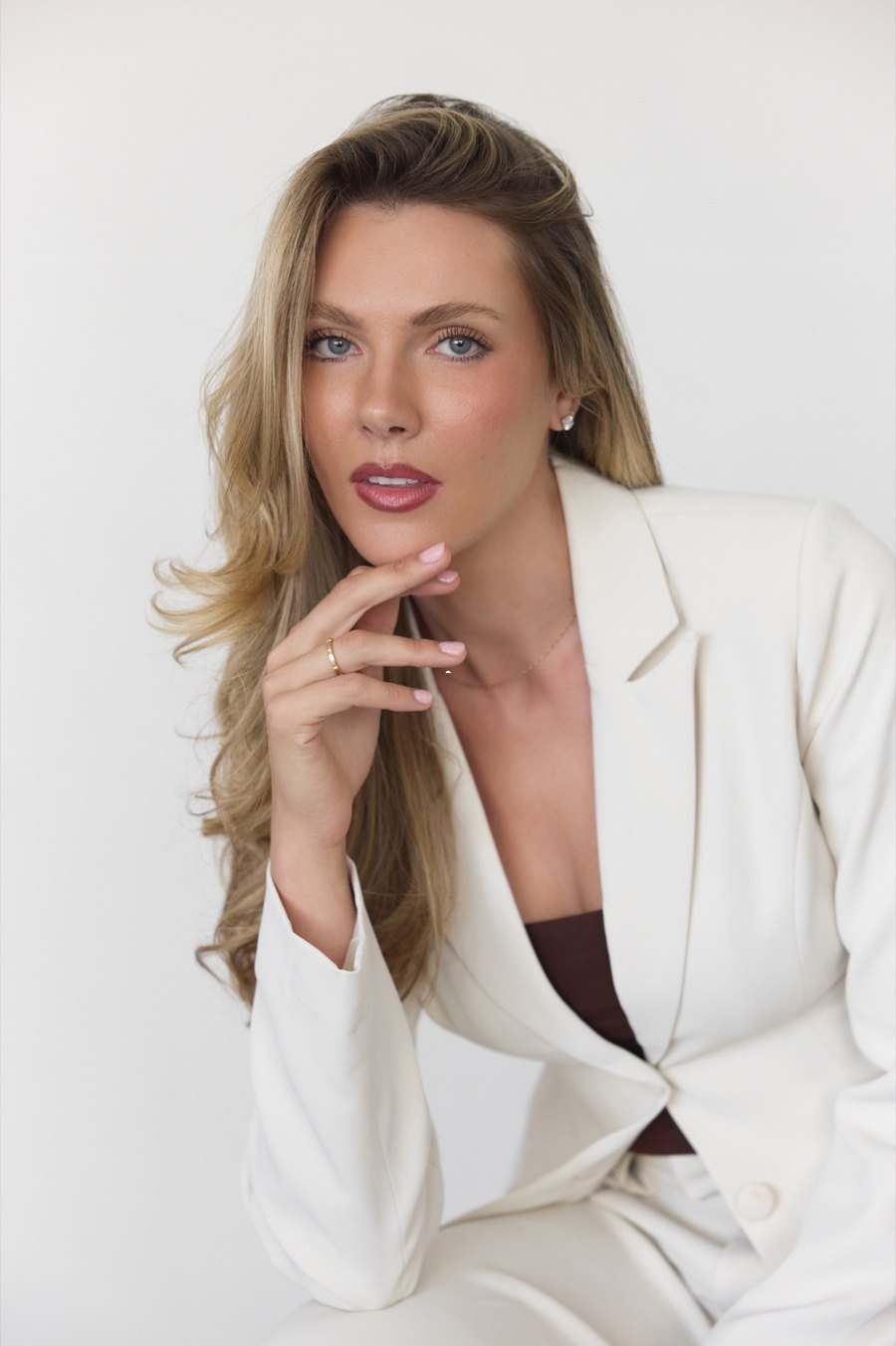
How every video on Aspen's page should look and sound. It should feel like her page in the first two seconds: magazine-cover energy, like talking with a really well-dressed friend.
New here? Learn these six and you'll get most of it right.
Every word on screen is Ivory. Add a thin Deep Brown outline so it reads on any footage. Never change the color.
Color the most important word every 5 to 10 words. Never a filler word like "so," "and" or "like."
Bebas Neue for hooks. Playfair Display Italic for soft moments. DM Sans for captions. Nothing else.
Trim and fix audio before you add any text. Text always goes on last.
Keep the funny, human moments. The hook and the rest of the video should match. Think @blogilates.
Sassy, fun, cool girl. Never stiff or too polished. Leave out anything that makes her look bad.
Aspen is the brand. Her face, her voice and her name on screen.
Creator · Founder of STYLST · Mother
Who's watchingWomen 30 to 50. Busy, smart and stylish, and they want a friend who tells it straight.
LogoThere's no logo yet. Don't make one up. Use her name in Bebas Neue when you need a title.
Her personal voice is very different from STYLST. STYLST is the calm brand that says "we." Aspen says "I" and she's funnier and bolder.
packing for japan 🇯🇵 be honest, what do you always overpack?
Short, lowercase, asks people a fun question.10 pink cardigan outfits with stuff you probably already own: jeans, a satin skirt, tailored trousers. Pin it for your next nothing-to-wear morning.
Useful, specific, ends with a reason to save it.Berry Rose leads. Rosewood and Powder Blue help out. Tap a color to copy its code.
#F5EFE3Every word on screen, always.#A63248One key word every 5 to 10 words.#C4989APlayfair lines on dark footage only.#BAC8D6One calm moment per video, at most. Light footage only.#261A14Text outline only. Never the text color.so i've been thinking about this for months and i finally get it
One Berry Rose word in the whole line. It goes on the word she'd say loudest.The mix of the two is the look. Never use the same size for both in one frame.
Bebas Neue · Large · Ivory · Deep Brown outline 1pt · Fade In
Playfair Display Italic · Small · Rosewood · Slow Fade In
DM Sans · Medium · Ivory · Deep Brown outline 1pt · Lower third
In CapCut: Style tab → save icon. Next time: Add Text → My Presets.
Spread text around the frame. Don't pile it all at the bottom.
The zones on every frame
Light footage: same Ivory, thicker 2pt outline
Dark footage: thin 1pt outline, Rosewood Playfair
These frames show the rules. Real videos use her real footage, and the wording here is just an example.
Pop Scale or Slide In.
Fade In or Typewriter.
None or Fade In. Never bounce, glitch, shake, flash or spin.
The same eight steps on every video. Claude may send a loose rough cut first. You add the human touch.
Trim and fix audio first. Her last take of a line is usually the keeper.
Import → Trim → LockNever type captions by hand.
Text → Auto Captions → GenerateDM Sans, Ivory, medium, lower third, Deep Brown outline 1 to 2pt.
Load Preset 3Berry Rose on one word every 5 to 10 words.
Tap → Edit → Highlight → ColorDownload the three fonts and save the three presets once.
Style → SaveTop or middle only. Time each one to the exact word she says.
Load Preset 1 → drag bar edges1 to 3 per video, in open space, never over her face.
Load Preset 2Watch at 1.5x and run the checklist below.
Then export| Do this | How |
|---|---|
| Split a clip | Tap → Split |
| Undo | Two-finger tap |
| Copy a text style | Select → Copy Style |
| Change how long text shows | Drag the bar edges |
| Fix a wrong caption word | Tap → Edit text |
| Load a preset | Add Text → My Presets |
Each platform gets its own version. Same idea, written for that app.
Cool girl energy. Hook in the first line. One clear ask, like a question or "pin it."
Short and a little messy. Too polished gets boring.
Fuller and chattier, like a friend telling the story.
More professional, still her. Normal capital letters. Skip mom-life posts with no work angle.
Screenshot this part.
Aspen posts a lot about STYLST, the app she founded. Here's which guide to use.
Her life, style, mom life, travel, beauty and brand deals. Use this guide.
Anything for the STYLST account, including "From the Founder" videos posted as a collab with @aspenbrookpotter. Use the STYLST brand book: black, white and Berry Wine, Libre Bodoni and Inter.
Open the STYLST brand book ↗Making STYLST videos too? The STYLST video menu shows what to film. Open the video menu ↗
Everything you need is here. Links marked "Drive" need Drive access from Aspen.

One shared Drive folder for Aspen and STYLST, sorted by topic. Look here before asking for new clips.
01Aspen talking, reacting, walking02Hair, makeup, skincare03Closet, outfits, trying on, shopping04Laptop, meetings, working on STYLST05Clarabell, home, mom life06Travel, hotels, events07Coffee, food, detail shots08Crying, venting, emotional09STYLST app, screen recordings, screenshots10Customers, reviews, DMs, commentsOpen the B-roll library (Drive) ↗ · Original CapCut guide slides (Drive) ↗
| Where | Handle |
|---|---|
| @aspenbrookpotter | |
| TikTok | @aspenbrookpotter |
| YouTube | @aspenbrookpotter |
| Threads | @aspenbrookpotter |
| aspenbrookpotter | |
| X | @aspenbpotter |
| Aspenbrookpotter | |
| aspenpotter | |
| ShopMy | aspenbrook |
| Website | aspenbrookmedia.com |
| Brand work | partnerships@aspenbrookmedia.com |
Heads up: her website uses a serif name and ivory and espresso colors. It doesn't match the video fonts yet. For videos, this guide wins.